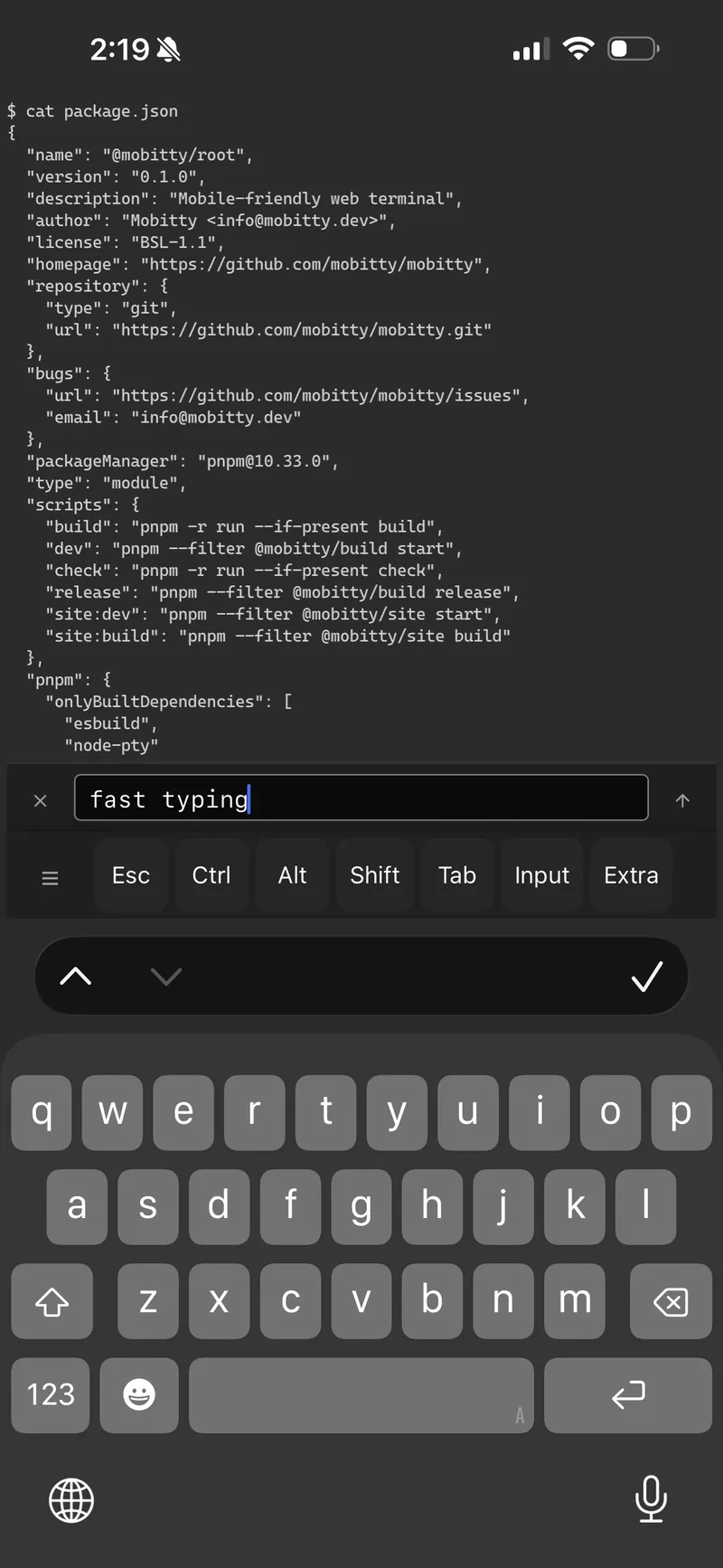
Input Control
Batch input
| Key | Label |
|---|---|
batch_input | Input |
Opens a text input panel above the soft key bar. Type or paste text, then submit to send it all at once. Useful for entering commands, URLs, or any longer text on mobile where typing directly into the terminal is awkward.
Persistent content — your text stays in the input area until you explicitly clear it. It persists after submitting, across open/close of the panel, and even through page refreshes.
Paste
| Key | Label |
|---|---|
paste | Paste |
Reads text from the system clipboard and sends it to the terminal. Requires clipboard permission — the browser may prompt you to allow access the first time.
Inline input
| Key | Label |
|---|---|
inline_input | Input |
Shows a text input directly in the soft key bar. Characters are sent to the terminal as you type — similar to typing on a physical keyboard. Included in the default desktop layout.