Remote Editor
When a program running in your terminal needs a text editor — for example git commit, crontab -e, or an AI agent editing a file — Mobitty can open the file in your browser instead of launching a terminal-based editor like vim or nano. This is especially useful on mobile, where terminal editors are difficult to use.
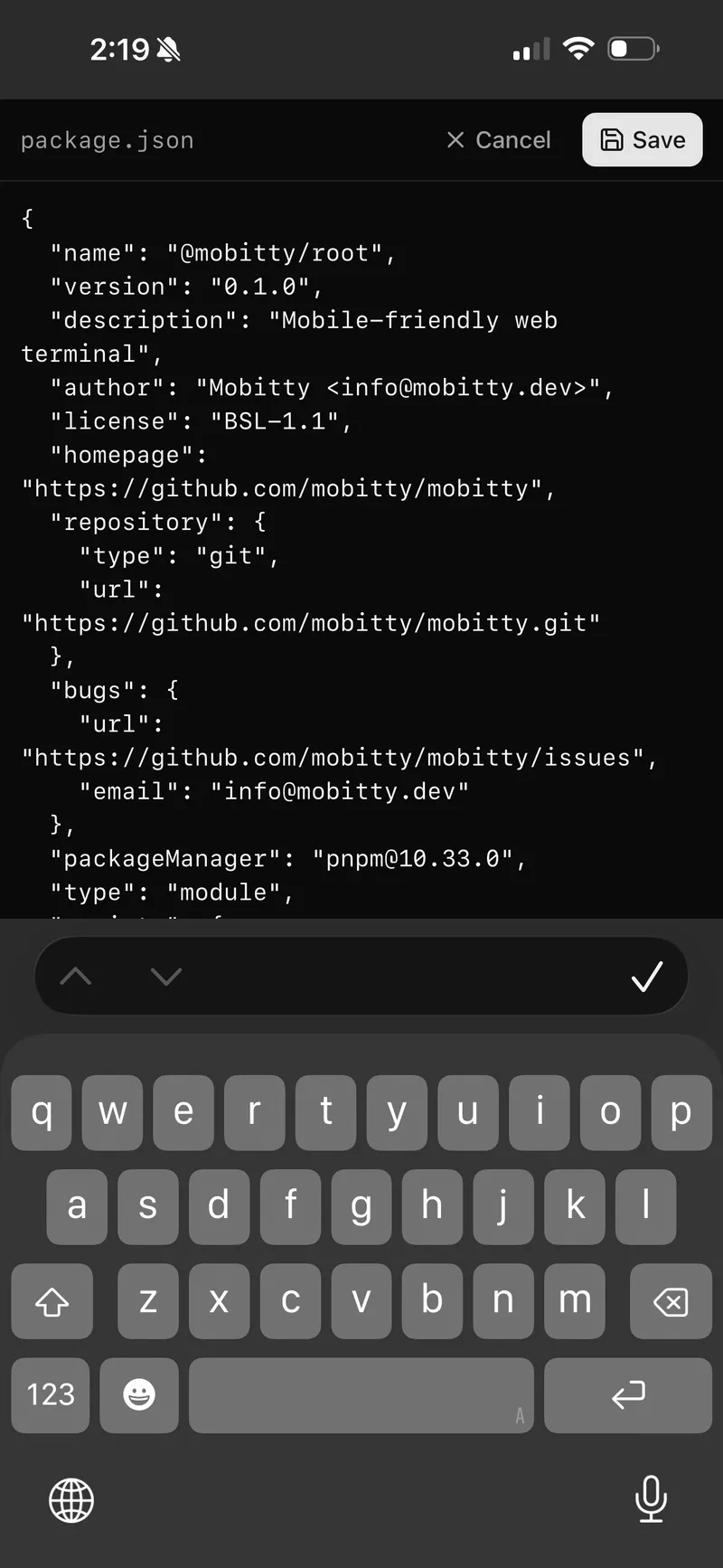
Enabling
Toggle Remote Editor in Settings. The setting applies to new sessions only — existing sessions keep their current setting.
When enabled, Mobitty sets the $EDITOR and $VISUAL environment variables in your shell so that programs automatically use the browser editor.
How it works
- A program calls
$EDITOR(e.g.git commitopens the commit message file) - Mobitty intercepts this and opens a full-screen editor panel in your browser
- Edit the file, then press Save or Ctrl+S / Cmd+S
- The file is sent back to the server and the program continues
To discard your changes, press Cancel — the program sees an empty edit, as if you closed the editor without saving.
Image viewing
When you open an image file (.png, .jpg, .jpeg, .gif, .webp, .bmp, .svg), Mobitty displays it in a full-screen viewer instead of a text editor. Images are view-only — press Close to dismiss. You can pinch to zoom on mobile.
Related
The remote editor is one of several shell tools available inside Mobitty sessions. You can also download files to your browser with mobitty-cli download and view images directly from the command line.